The short answer
Upload your photo on the photo-to-canvas page and we check it against every print size before you pay: excellent at 300+ dpi, fine at 140-300, and blocked below 140 dpi at that size. This measures pixel resolution; it cannot tell whether the original photograph is in focus. Free UK delivery is included in every price.
How does photo-to-canvas printing work?
The process is three steps and there's no software to install. You upload your image, we run an automatic quality check against each available size, and we print your chosen size onto canvas, stretch it over FSC-certified wooden bars, and ship it to you. Everything happens in the browser on our print page.
Because we check resolution up front, you see exactly which sizes your photo can support before committing. A phone snap might pass comfortably at 30x40cm but fall short at 50x70cm, and we show the resolution grade before you choose.
What size canvas should you choose?
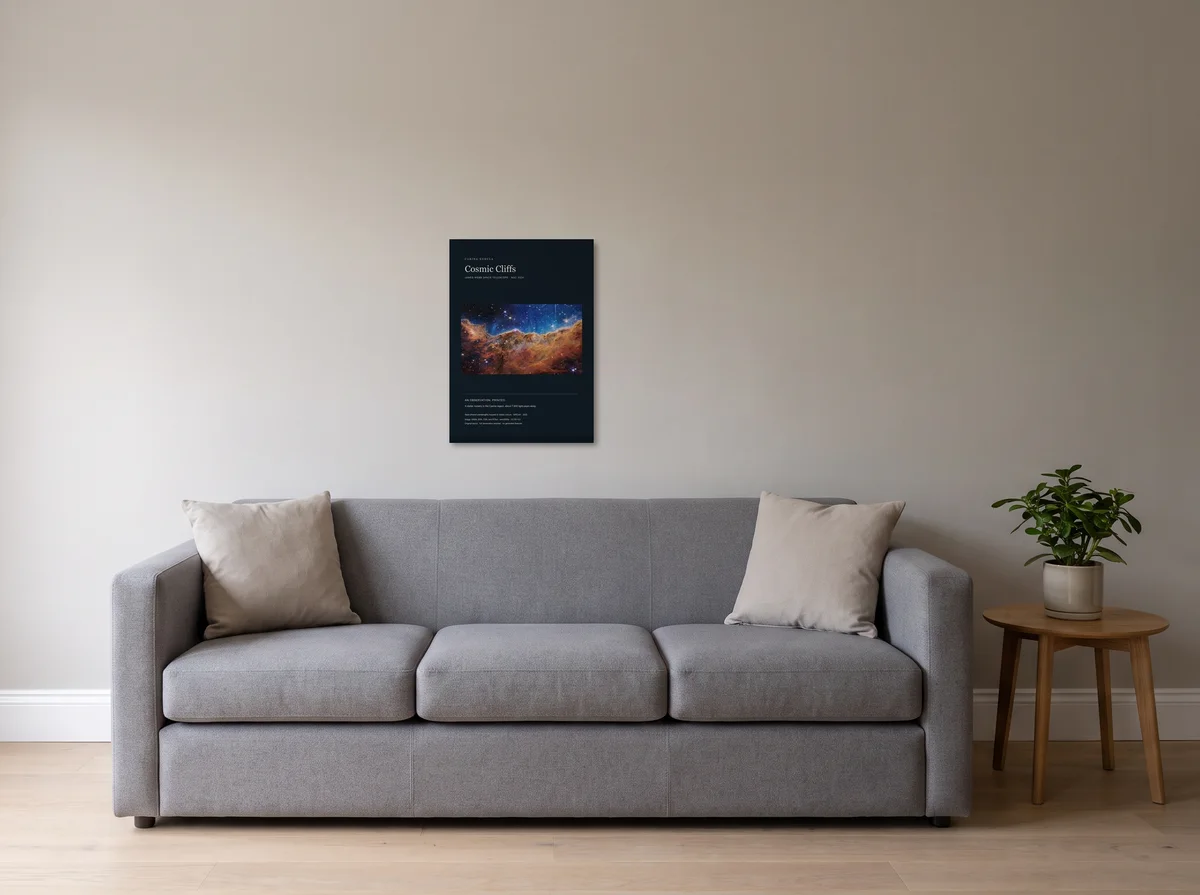
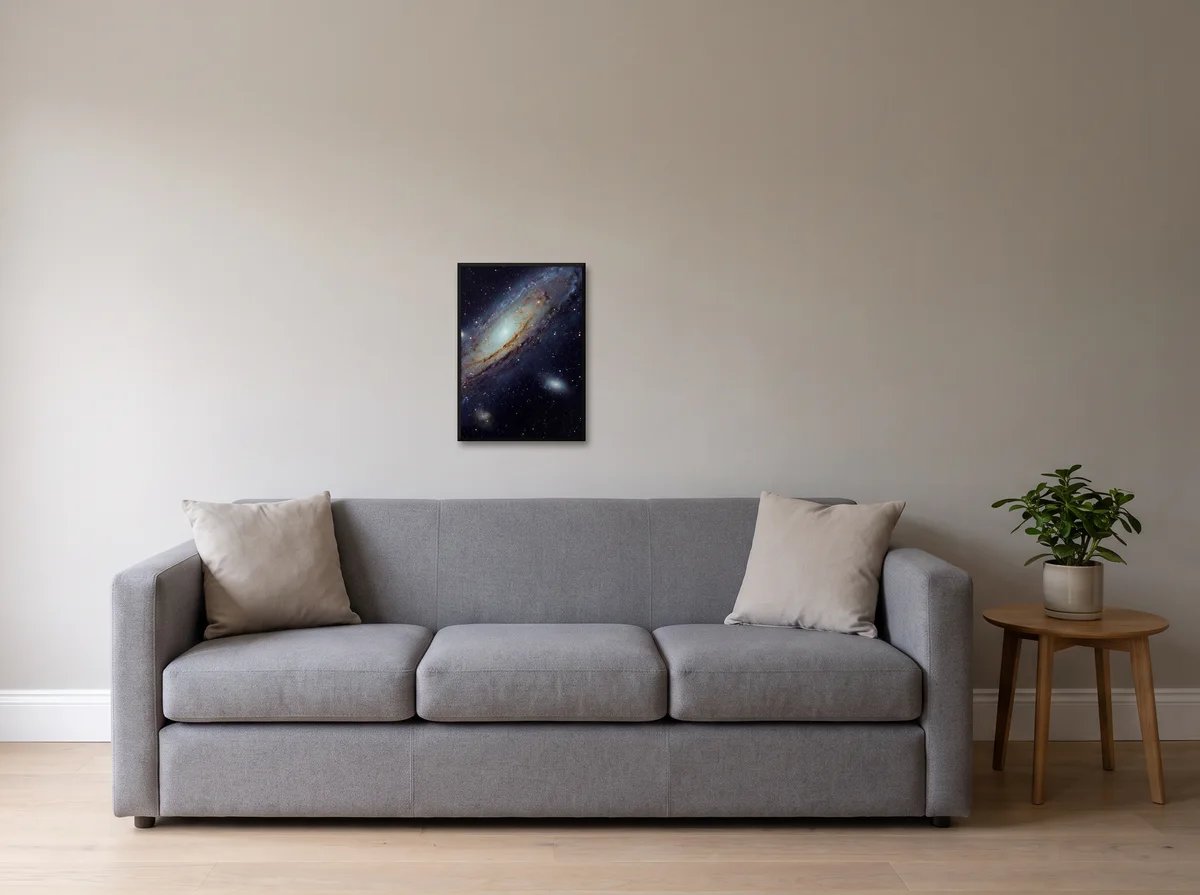
Pick the size to suit the wall and the photo's resolution. We offer four canvas sizes: 30x40cm, 40x50cm, 50x70cm and 60x80cm, with framed versions of the first three. A 30x40cm sits well above a desk or in a hallway; 50x70cm works as a statement piece over a sofa or bed where you want the image to carry the room.
The current options
- Canvas: 30x40cm, 40x50cm, 50x70cm and 60x80cm
- Framed canvas: black, dark wood or natural wood, at 30x40cm, 40x50cm and 50x70cm
Once a photo is uploaded, the print page lists what each of those sizes costs.
If your photo is high resolution, choose the largest size your wall can take: bigger canvases have more presence. If resolution is borderline, the smaller size is the safer choice and our quality check will steer you there.
What resolution and DPI do you need for canvas?
For the excellent grade, your photo needs 300 dpi or more at the size you pick. From 140 up to 300 dpi it passes as acceptable. Under 140 dpi, that size is switched off. Even a file that passes can contain camera shake, missed focus or compression artifacts.
The number that matters is the pixel dimensions of your file, not the megapixel badge on your camera. No surface can add detail that was never captured. This is what each file size comfortably supports.
Megapixel to size guidance
| Approx. file | Pixel dimensions (typical) | 30x40cm | 50x70cm |
|---|---|---|---|
| 5 MP | ~2580 x 1936 | Acceptable (about 160 dpi) | Blocked (about 90 dpi) |
| 8 MP | ~3264 x 2448 | Acceptable (about 200 dpi) | Blocked (about 120 dpi) |
| 12 MP | ~4032 x 3024 | Acceptable (about 250 dpi) | Acceptable (about 145 dpi) |
| 24 MP | ~6000 x 4000 | Excellent (about 340 dpi) | Acceptable (about 200 dpi) |
Treat these as a guide, not a guarantee: cropping, heavy zoom, and screenshots reduce usable detail. Upload your actual file for its resolution grade at each size. Check the photograph itself for blur and damaged detail; a large pixel count does not repair either.
Plain canvas or framed canvas: which is better?
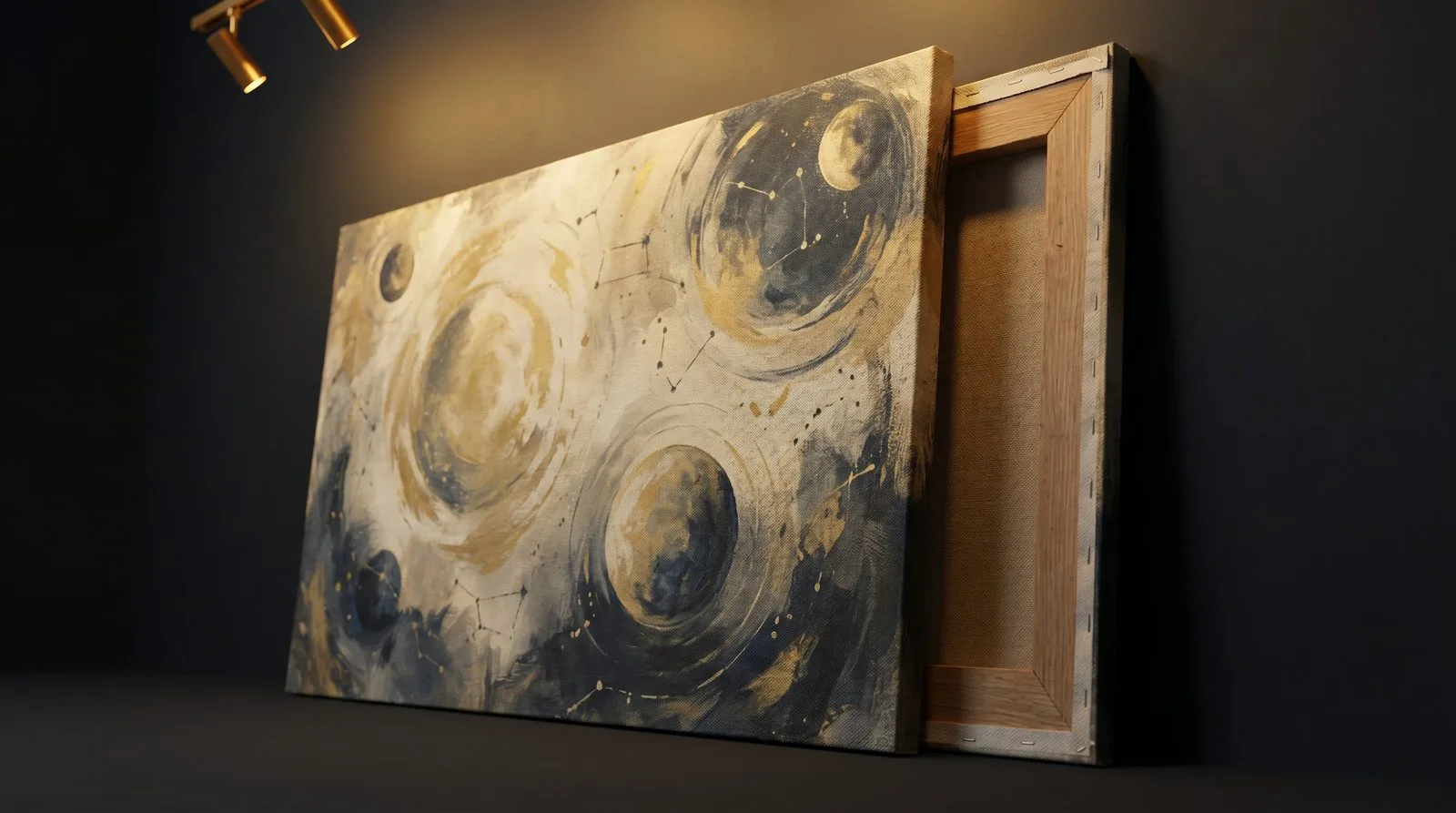
Both use the same canvas, stretched over FSC-certified bars, and the same print; the difference is presentation. Plain canvas is stretched over a wooden frame, its sides carrying a soft, blurred band taken from the picture's colours, ready to hang straight from the box. Framed canvas adds a surrounding frame for a more finished, traditional look, and costs more. Both sit alongside the ready-made astronomy canvases if you would rather buy than upload.
Plain canvas suits modern, casual interiors and bold imagery: astrophotography, landscapes, big skies. Framed canvas suits a more formal setting or a piece you want to feel like a gallery exhibit. Neither is objectively better; it's the room and the photo that decide.
What photos work best on canvas?
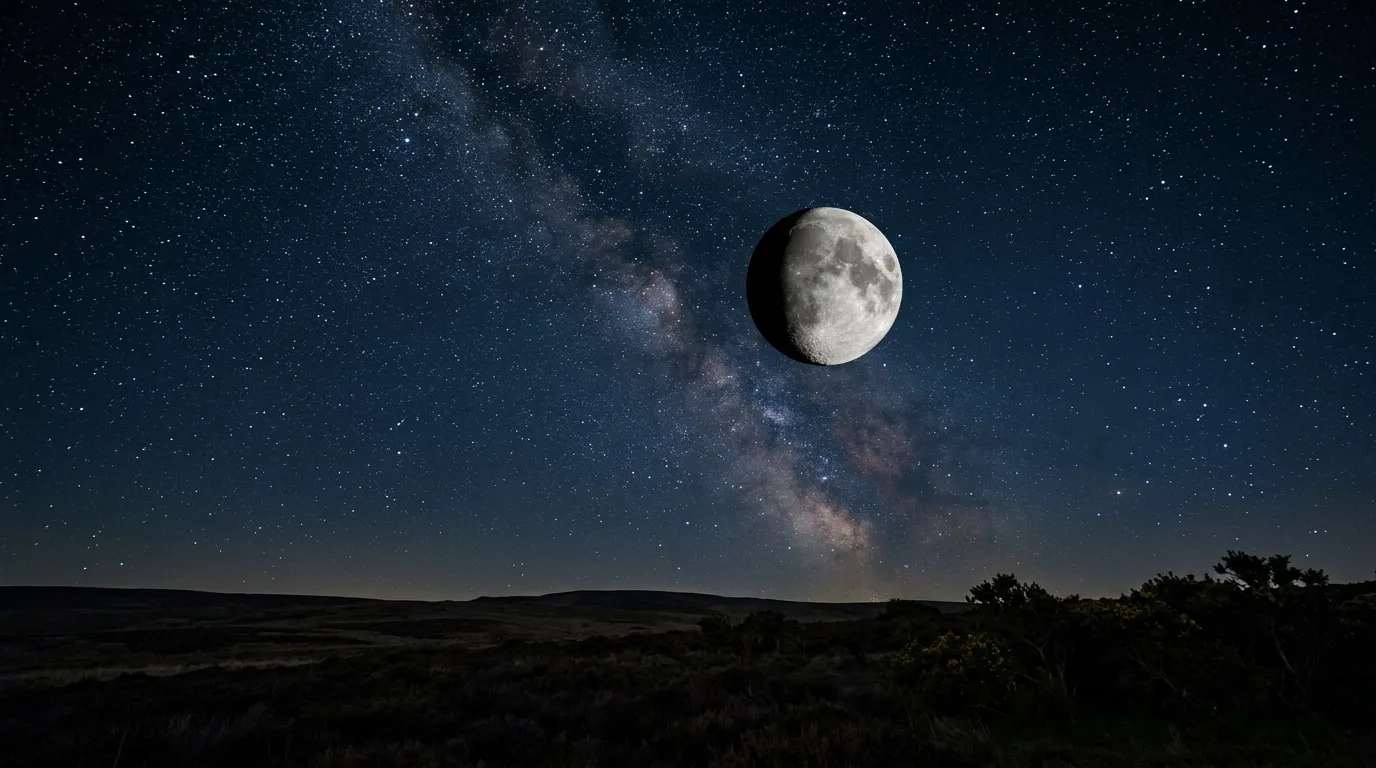
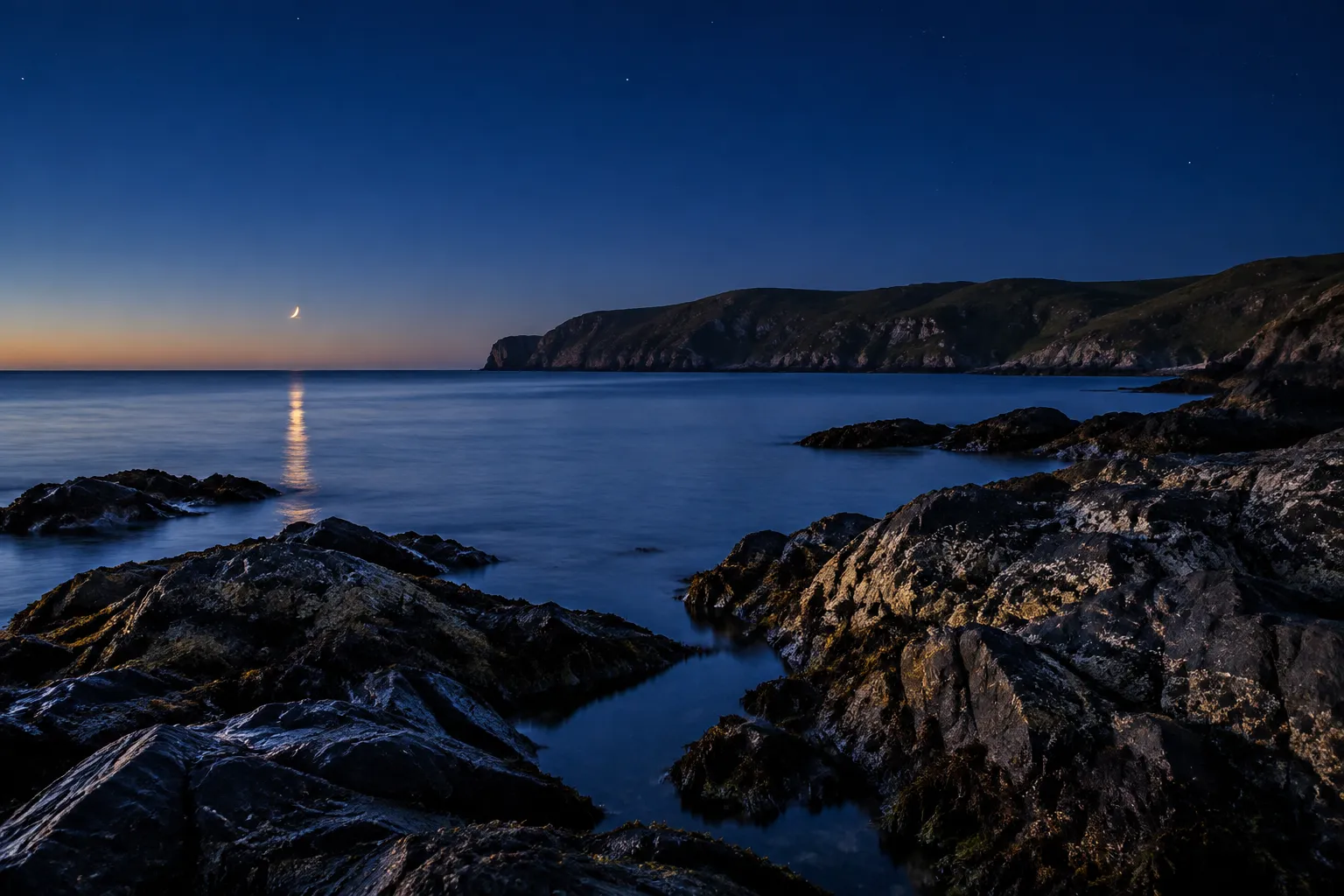
Sharp, well-lit, high-resolution images work best: and canvas especially flatters wide scenes with strong colour and contrast. Night skies, coastlines, mountains, and architectural shots all translate beautifully because the texture adds depth without fighting fine detail.
One caution: the check reads the pixels in the file you upload, so use the original photo, not a screenshot or a saved copy.
- Works well: landscapes, night skies, travel, pets, bold colourful art
- Check first: screenshots, social downloads, heavily cropped phone shots
How much does a photo canvas cost and is delivery included?
Free UK delivery is included in every price: no surprise shipping at checkout. Prices for plain and framed canvas appear beside each size on the print page after your upload. The art-restyle option, Cosmic Canvas, is priced on its own and shows its prices on its own page.
Our quoted figure is the figure you pay, anywhere in the UK.
What is the quality check that blocks soft sizes?
It's an automatic resolution test that runs on your file the moment you upload, scoring it against every size we offer. Anything below 140 dpi at a given size is blocked outright; sizes that pass are marked so you can choose confidently. Checkout repeats the resolution check on our server, which means nobody can order a canvas size that falls under 140 dpi.
Too few pixels can make a large print look soft. We block sizes below the threshold; it's still worth opening the original at full size and looking for soft focus, motion blur or compression marks yourself.
Can you restyle a photo into art before printing?
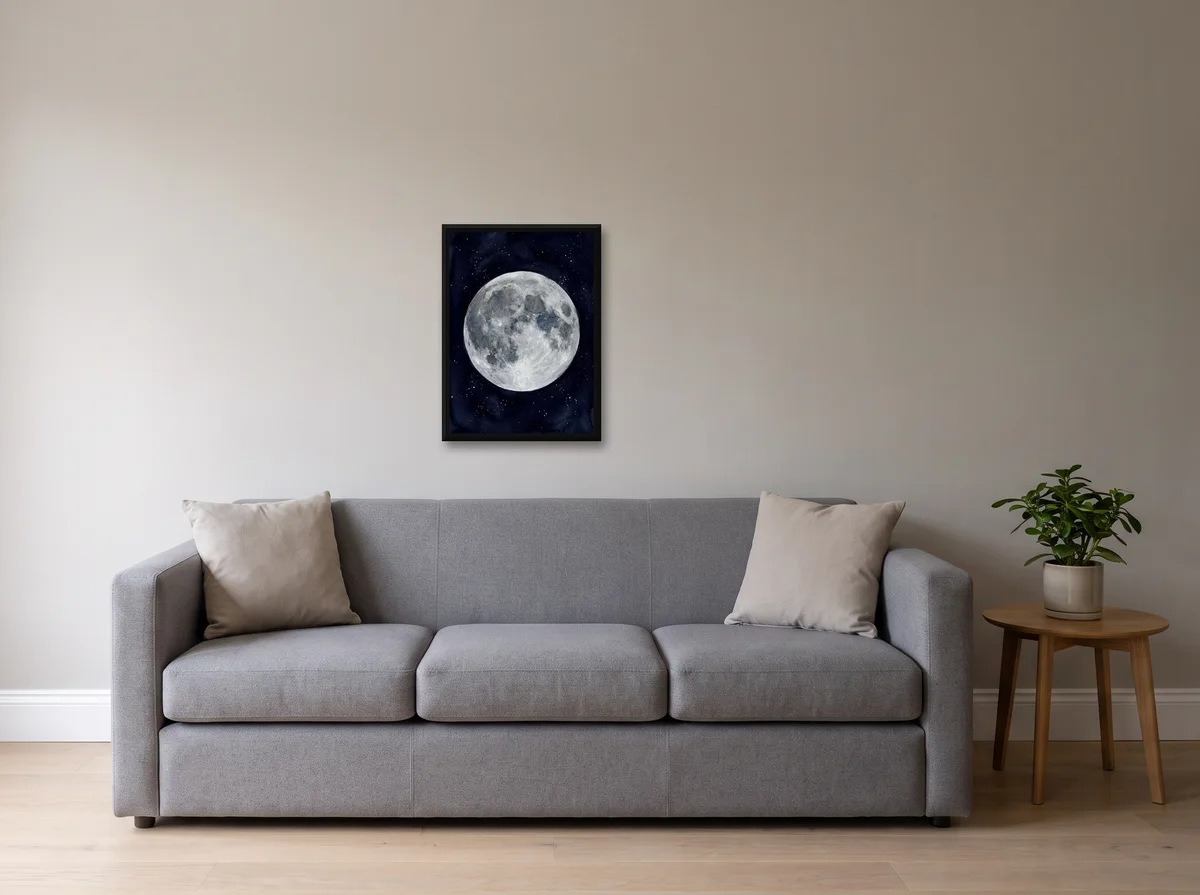
Yes, our Cosmic Canvas restyle on the create page turns a photo into an astronomy-themed artwork before it goes to print. It's optional, is priced on its own page, and is handy when you want something more illustrative than a straight reproduction: a starfield treatment, a painterly sky, a cosmic reimagining of a familiar scene.
The restyled image still passes through the same quality check, so the final canvas meets the same resolution standard as any photo print. If you prefer your photo exactly as shot, skip the restyle entirely: it's there when you want it, never imposed.
Ready to start?
Upload your image on the photo-to-canvas page, let the check tell you which sizes work, and choose plain or framed. Want something more artistic first? Try the restyle on the create page. Either way, free UK delivery is included. Use the resolution grade alongside your own check of the photograph. It isn't a guarantee of sharpness.
Canvas is where Your own sky ends, with the photograph printed as it is rather than restyled. Your photo on canvas is the page that does it, and four photo styles compared is worth a look first if you have not decided whether to restyle it.