16 June 2026
How to Turn a Photo Into a Painting
The fastest way to turn a photo into a painting is to let software repaint it in a chosen art style — upload, pick a look, and preview it free in seconds before deciding whether to print. Here's exactly how it works.
The short answer
Upload your photo to Cosmic Canvas, choose a painting style, and a free, watermarked preview appears in about twenty seconds. If you like it, we render the artwork at full gallery resolution — no watermark — and print it as a poster, framed print or canvas, made to order. No software to install, no brushes, no waiting on a commission.
That's the whole idea behind turning a photo into a painting: the software studies your image — its shapes, light and colour — and repaints the scene in the look you pick, rather than slapping a flat filter over the top. The subject stays recognisable; the medium changes. A seaside snap becomes an oil canvas. A portrait becomes a watercolour. Your photograph, reimagined as art.
What does turning a photo into a painting actually mean?
A painting effect isn't a colour overlay. It rebuilds your photo with the brushwork, palette and texture of a chosen style — the swirl of thick impasto, the soft bleed of watercolour, the clean lines of a draughtsman's blueprint. The result is a fresh image that keeps your subject but wears a painter's hand.
Because the artwork is generated rather than traced, every preview is a little different — your photo, your style, your one-off piece. Nothing is pulled from a library of stock paintings. What you see is built from the picture you uploaded a moment ago.
Which painting styles can you choose?
Cosmic Canvas leans into astronomy and the painters who chased the night sky, with more styles added over time. Each one suits a different photo, so it pays to try two or three.
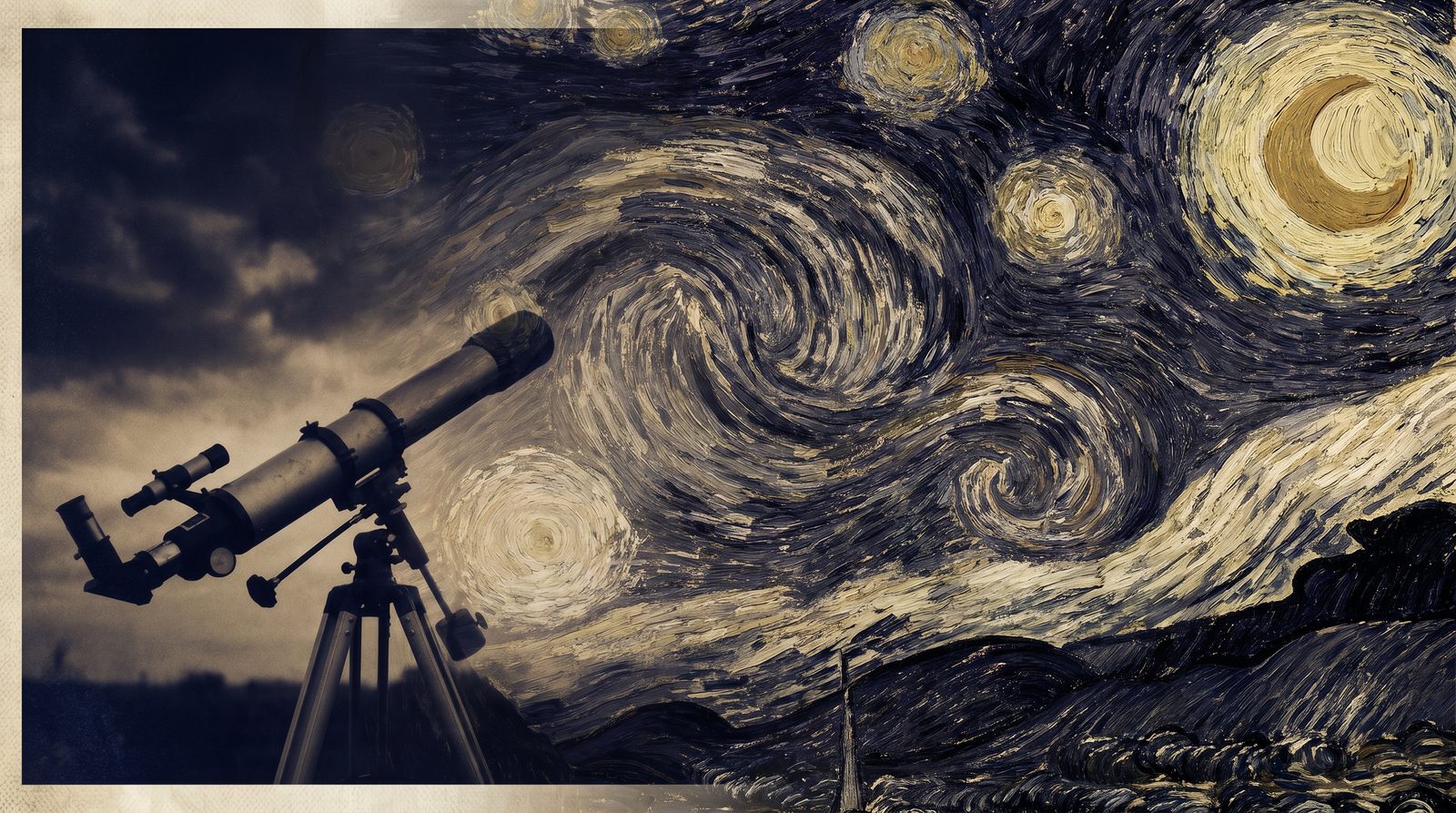
Post-impressionist starry night
Thick, swirling brushstrokes and deep blues in the spirit of Van Gogh's night skies. It flatters landscapes, skylines and anything with sky to fill — the strokes give flat areas real movement and weight.
Nebula watercolour
Soft washes of colour that bloom and bleed like ink in water, threaded with the pinks and teals of a deep-space nebula. Gentle and dreamlike — lovely for portraits, pets and quiet landscapes.
Retro sci-fi poster
Bold, graphic and a touch pulpy — the look of a mid-century space-travel poster. Strong subjects with clear outlines work best, and the result has a confident, framed-on-the-wall presence.
Blueprint
Crisp white linework on deep technical blue, as though your photo were drafted by an engineer. It suits architecture, vehicles and bold silhouettes, and looks striking in a plain frame.
How do you turn a photo into a painting, step by step?
- Upload a JPEG, PNG or WebP up to 10 MB (at least 800 px on the shorter side).
- Pick a style — swirling post-impressionist night, nebula watercolour, retro sci-fi, or blueprint.
- Preview free — a watermarked preview lands in about twenty seconds, three a day, no account needed.
- Compare — run the same photo through a couple of styles and keep the one that sings.
- Print it — choose a size and format; the final is re-rendered at full 4K so every size prints beautifully.
The whole flow lives on the Cosmic Canvas page. You never have to decide before you've seen the result — the preview is genuinely free, and previewing costs you nothing but the upload.
Which photos work best?
Clear, well-lit images with a strong subject transform best: portraits, pets, landscapes, a meaningful place, a building with character. The software has plenty to work with, so the painting keeps its likeness while the style does the talking.
A few things to watch. Very dark or very busy photos can lose detail in the repaint, since there's less for the brushwork to hold on to. Tiny, low-resolution images won't sharpen up. And tight group shots can soften faces — a single clear subject almost always reads better. When in doubt, try a brighter crop, then preview it free and judge with your own eyes.
Is it free, and what does a print cost?
Previewing is free — three previews a day, no account, no card. The watermark sits only on the preview; it never appears on anything you order. Once you choose a size, we re-render the artwork cleanly at full 4K resolution so it stays crisp from a desk print to a large canvas.
Prints are made to order on archival stock and start at £24, with posters, framed prints and gallery-grade canvases to choose from, and worldwide delivery. You only pay when you decide to print, so you can preview to your heart's content and walk away if nothing fits — no obligation, no lingering files.
Painting or printing the photo as it is?
Two paths, depending on what you're after. Want the photo transformed into art? Use Cosmic Canvas and let it repaint the scene. Want your photograph printed exactly as shot — true colours, no reinterpretation? Print your photograph instead, and we'll quality-check the file against every size before you pay, so nothing prints soft or pixellated.
Either way makes a thoughtful gift. A repainted holiday, a pet rendered in watercolour, the house someone grew up in drawn as a blueprint — these land far harder than a gift card. Browse our space gifts for ideas, or simply turn a photo that already means something into a piece worth hanging. Preview it free, print it when it's right, and let the picture do the rest.
Frequently asked
Is it free to turn a photo into a painting?+
The preview is free — three a day, no account. You only pay if you order a print, and the watermark on the preview never appears on the print.
How long does it take?+
About 20 seconds for the free preview. The full-resolution print is rendered after you order.
What styles can I choose?+
Post-impressionist starry night, nebula watercolour, retro sci-fi poster and blueprint, with more added over time.