16 June 2026
Photo to Canvas: The Complete Guide
Turning a photo into a canvas print is simple once you know the sizes, the resolution you need, and what to look for. Here's the complete UK guide.
The short answer
Upload your photo on the photo-to-canvas page and we check it against every print size before you pay — gallery-grade at 300+ dpi, fine at 150–300, and blocked below 150 so you never receive a soft, pixelated canvas. Plain photo canvas starts at £42, worldwide delivery included.
How does photo-to-canvas printing work?
The process is three steps and there's no software to install. You upload your image, we run an automatic quality check against each available size, and we print your chosen size onto FSC-certified canvas, stretch it over a frame, and ship it to you. Everything happens in the browser on our print page.
Because we check resolution up front, you see exactly which sizes your photo can support before committing. A phone snap might pass comfortably at 30x40cm but fall short at 50x70cm — and we tell you that rather than printing it soft and hoping you don't notice.
What size canvas should you choose?
Pick the size to suit the wall and the photo's resolution. We offer two canvas sizes — 30x40cm and 50x70cm — plus framed versions of each. A 30x40cm sits well above a desk or in a hallway; 50x70cm works as a statement piece over a sofa or bed where you want the image to carry the room.
The current options
- 30x40cm plain canvas — £42 (photo) / £49 (art restyle)
- 50x70cm plain canvas — £65 (photo) / £69 (art restyle)
- Framed canvas — £99 / £139 depending on size and finish
If your photo is high resolution, choose the largest size your wall can take — bigger canvases have more presence. If resolution is borderline, the smaller size is the safer choice and our quality check will steer you there.
What resolution and DPI do you need for canvas?
Aim for 300 dpi or higher at your chosen print size for true gallery-grade results. Between 150 and 300 dpi prints perfectly well for canvas, which is viewed from a short distance rather than pressed against your nose. Below 150 dpi we block the size, because the result would look visibly soft.
The number that matters is the pixel dimensions of your file, not the megapixel badge on your camera. Canvas is forgiving — its woven texture hides minor softness that would show on glossy paper — but it cannot invent detail that was never captured. Here's honest guidance on what each file size comfortably supports.
Megapixel to size guidance
| Approx. file | Pixel dimensions (typical) | 30x40cm | 50x70cm |
|---|---|---|---|
| 5 MP | ~2580 x 1936 | Good | Borderline — check passes |
| 8 MP | ~3264 x 2448 | Gallery-grade | Good |
| 12 MP (most phones) | ~4032 x 3024 | Gallery-grade | Gallery-grade |
| 24 MP+ | ~6000 x 4000 | Gallery-grade | Gallery-grade |
Treat these as a guide, not a guarantee — cropping, heavy zoom, and screenshots reduce usable detail. The only definitive answer is your file run through the check, which reports a result per size rather than a vague average.
Plain canvas or framed canvas — which is better?
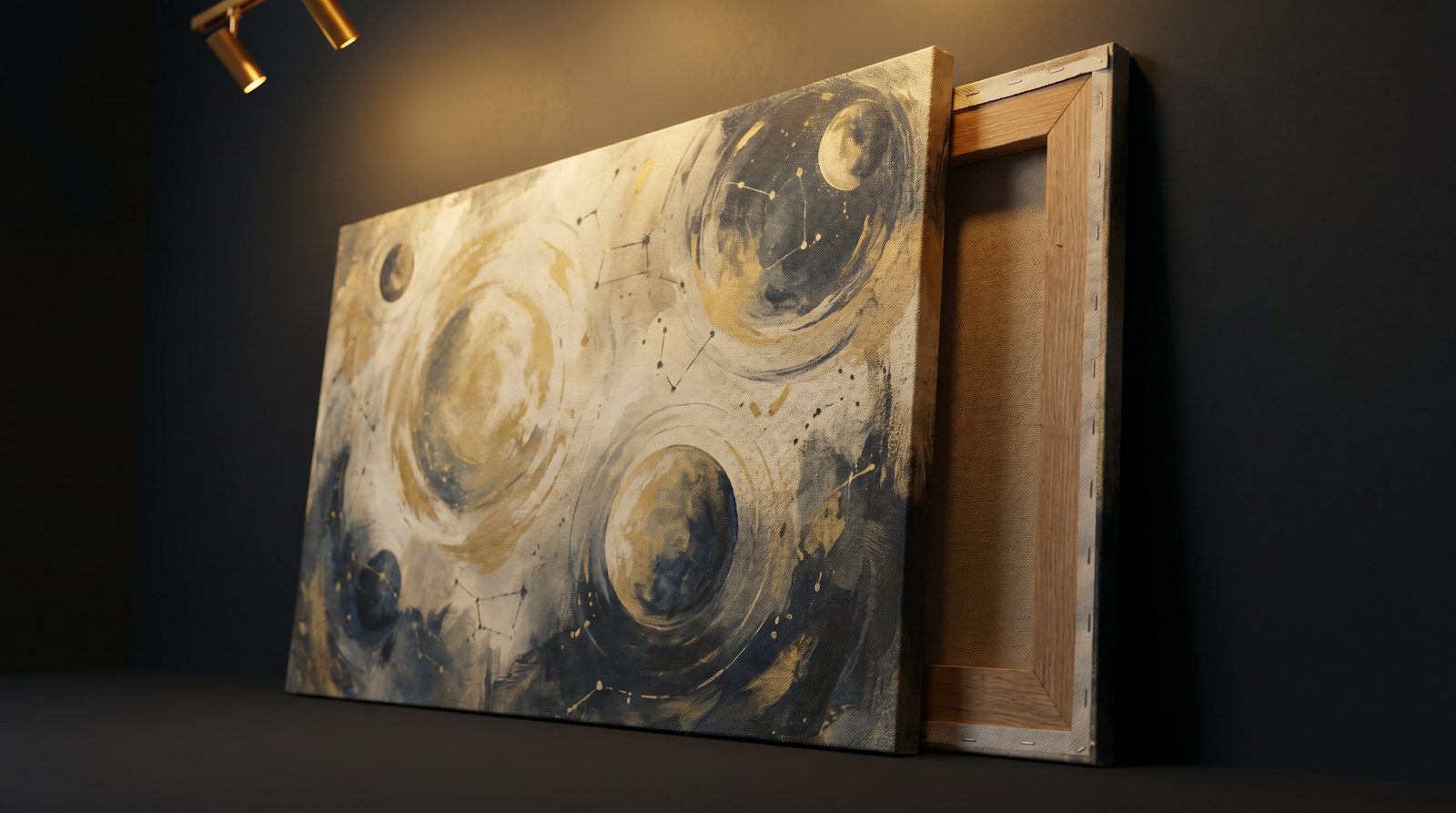
Both use the same FSC-certified canvas and the same print; the difference is presentation. Plain canvas is stretched over a wooden frame with the image wrapping the edges, ready to hang straight from the box. Framed canvas adds a surrounding frame for a more finished, traditional look — and costs more, from £99.
Plain canvas suits modern, casual interiors and bold imagery — astrophotography, landscapes, big skies. Framed canvas suits a more formal setting or a piece you want to feel like a gallery exhibit. Neither is objectively better; it's the room and the photo that decide.
What photos work best on canvas?
Sharp, well-lit, high-resolution images work best — and canvas especially flatters wide scenes with strong colour and contrast. Night skies, coastlines, mountains, and architectural shots all translate beautifully because the texture adds depth rather than fighting fine detail.
A few honest cautions. Very dark photos can lose shadow detail on canvas, so they benefit from a brighter edit. Heavily compressed social-media downloads often fail the check because the platform stripped resolution. And tight portraits with critical skin detail show canvas texture more than landscapes do — they still work, but go in knowing the look.
- Works well — landscapes, night skies, travel, pets, bold colourful art
- Edit first — very dark or low-contrast images
- Often blocked — screenshots, social downloads, heavily cropped phone shots
How much does a photo canvas cost and is delivery included?
Plain photo canvas starts at £42 for 30x40cm and £65 for 50x70cm, with worldwide delivery included in every price — no surprise shipping at checkout. Framed canvas runs from £99 to £139. The art-restyle option adds a few pounds because of the extra rendering work behind it.
Delivery being included matters more than it sounds. Many print services advertise a low canvas price and then add postage that doubles a small order. Our quoted figure is the figure you pay, wherever you are.
What is the quality check that blocks soft sizes?
It's an automatic resolution test that runs on your file the moment you upload, scoring it against every size we offer. Anything below roughly 150 dpi at a given size is blocked outright; sizes that pass are marked so you can choose confidently. The same check re-runs server-side at checkout, so a soft canvas simply cannot be ordered.
This is the single most important thing we do differently. The most common complaint about cheap canvas printing is a blurry result — and it's almost always because the service printed a file that was too small and left the customer to find out on the wall. We refuse the order instead. You lose nothing but the guesswork.
Can you restyle a photo into art before printing?
Yes — our Cosmic Canvas restyle on the create page turns a photo into an astronomy-themed artwork before it goes to print. It's optional, costs a few pounds more than a plain photo canvas, and is handy when you want something more illustrative than a straight reproduction — a starfield treatment, a painterly sky, a cosmic reimagining of a familiar scene.
The restyled image still passes through the same quality check, so the final canvas meets the same resolution standard as any photo print. If you prefer your photo exactly as shot, skip the restyle entirely — it's there when you want it, never imposed.
Ready to start?
Upload your image on the photo-to-canvas page, let the check tell you which sizes work, and choose plain or framed. Want something more artistic first? Try the restyle on the create page. Either way, worldwide delivery is included and a soft result is impossible by design.